
Screen Time for Kids by Age: What Pediatric Guidelines Actually Say
What the AAP and the World Health Organization recommend for children's screen time at each age, and how to build a family media plan that is realistic for real life.
As an Amazon Associate I earn from qualifying purchases. Some links in this post are affiliate links, which means I may earn a small commission at no extra cost to you.
Few topics make parents feel guiltier than screen time. Every household has a day when a tablet buys twenty quiet minutes to finish dinner, and every parent has read a headline suggesting that those minutes are doing damage. The reality is more nuanced. Pediatric groups do set limits, particularly for young children, but they also stress that what a child watches and who watches with them matter as much as the clock.
This article summarizes what two major sources say about children’s screen use: the American Academy of Pediatrics (AAP) and the World Health Organization (WHO). It then turns those guidelines into practical steps for an ordinary family. Guidance gets updated over time, so it is worth checking HealthyChildren.org, the AAP’s parent site, for the latest version.
Quick answer: for children under 18 months, the AAP advises avoiding screens other than video chatting. For ages 2 to 5, it suggests about one hour a day of high-quality programming, watched with a parent when possible. For ages 6 and up, it recommends consistent limits that keep screens from crowding out sleep, play and homework. The WHO recommends no sedentary screen time for babies under 1 and no more than an hour a day, with less being better, for ages 1 to 4.
What the Experts Recommend, Age by Age
Under 18 months
The AAP’s long-standing advice is to avoid digital media for babies and toddlers younger than 18 months, with the exception of video chatting with relatives. The reasoning is developmental. Very young children learn language and social skills mainly through back-and-forth interaction with real people, and they struggle to transfer what they see on a screen to the real world. A video call with grandparents counts because someone is responding to the baby in real time.
The WHO goes a step further in its 2019 guidelines for children under 5. It recommends that babies under 1 year have no sedentary screen time at all and that they instead get supervised floor play, tummy time, and caregivers who talk, sing and read with them.
18 to 24 months
If you want to introduce digital media in this window, the AAP suggests choosing high-quality programming and watching it together so you can explain what is happening. Solo use of apps is not recommended at this age. The WHO advises that children aged 1 to 2 have no more than one hour of sedentary screen time a day, and says that less is better.
Ages 2 to 5
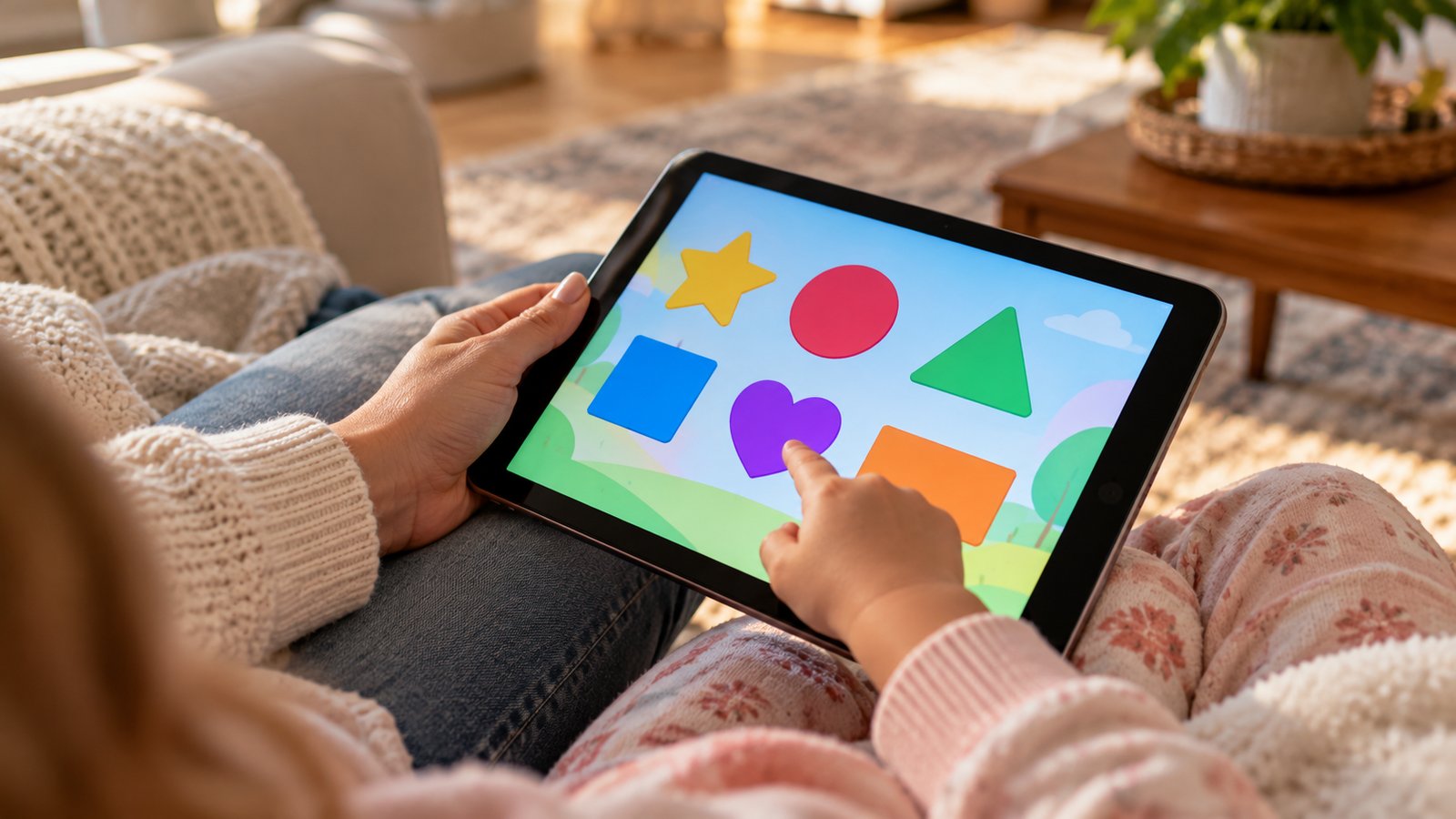
The AAP recommends limiting screen use to about one hour a day of high-quality programs, with a parent present when possible. High quality generally means content designed with educational input, with a slow pace, clear storytelling and no heavy advertising. The WHO guidance for ages 3 and 4 is also no more than one hour of sedentary screen time a day, and it adds that kids this age should spend at least three hours a day in physical activity of varying intensity, including at least one hour of moderate to vigorous activity.
Ages 6 and older
For school-age children and teens, the AAP stopped giving a single hour limit. Its message is that parents should set consistent limits on the amount of time and the types of media, and make sure screens do not replace sleep, physical activity, homework, or time with family and friends. The AAP encourages families to create a Family Media Use Plan, which you can build online with its free tool.
Why Quality and Context Matter as Much as Minutes
A two-hour block of a child video chatting with cousins, building in a game with a sibling, and following a drawing tutorial is a different experience from two hours of autoplay clips. Researchers and pediatric groups have moved toward judging screen time by three questions: what the child is doing, who they are doing it with, and what it is replacing.
- What: Creative, educational and social activities are generally better than passive scrolling or fast-paced, ad-filled content.
- Who: Co-viewing helps children make sense of what they see. Even a quick comment from you turns a passive show into a conversation.
- Instead of what: The biggest concern is displacement. Screens that eat into sleep, outdoor play, reading, meals and face-to-face time are a problem even at moderate levels.
Content design also matters. Features such as autoplay, endless feeds and in-app purchases are built to keep children watching. Turning off autoplay and choosing apps without ads are simple ways to put the control back in your hands.

Build a Family Media Plan in an Evening
A media plan sounds formal, but it can be a one-page list that your family agrees on. The point is to decide ahead of time, so you are not negotiating in the middle of a meltdown. Here is a way to put one together:
- List the screens in your home: TVs, tablets, phones, game consoles, computers, smart speakers.
- Pick screen-free times, such as meals and the hour before bed.
- Pick screen-free places, such as bedrooms and the dinner table.
- Decide how much time is allowed on school days and non-school days, and which content is okay.
- Choose who is in charge of each device, and how passwords and parental controls will work.
- Write it down, put it on the fridge, and agree to review it every few months as kids grow.
Older kids are far more likely to follow rules they helped create. Ask for their input, and let them argue for a different limit if they give a reason. Our guide to teaching internet safety to your kids covers the conversations about privacy and strangers that belong in the plan too.

Making Limits Work Without Constant Fights
Rules are easier to follow when they are predictable. A few approaches tend to help:
Use warnings and visual timers
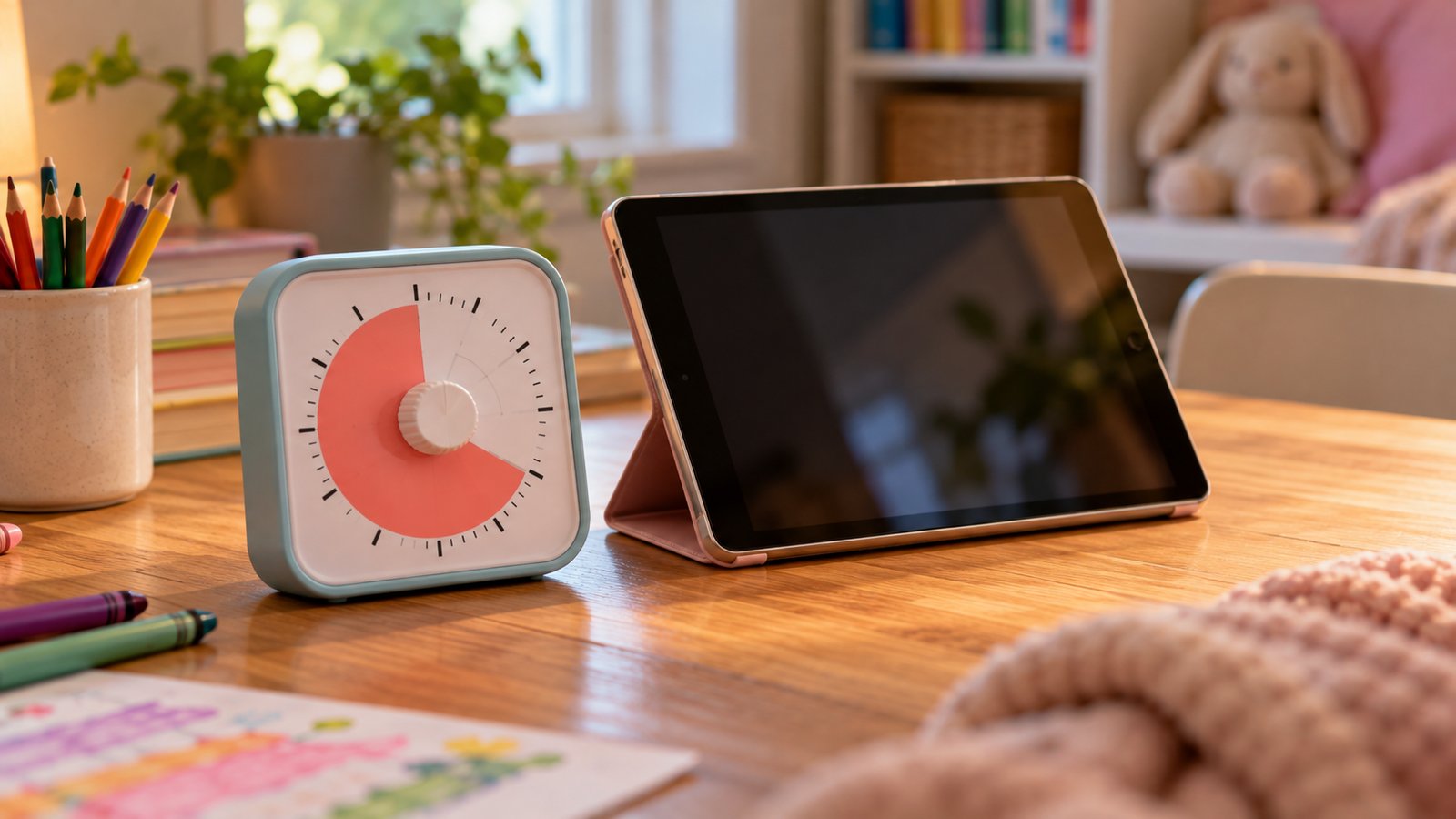
Switching off a favorite show is difficult for young children, because their brains have not yet developed much impulse control. Giving a five-minute and a one-minute warning, then ending at a natural stopping point, causes fewer meltdowns than a sudden shutoff. A countdown timer that shows time disappearing gives children something concrete to look at. Many parents like a simple visual timer such as this kids visual countdown timer, which lets a child see the remaining time without needing to read a clock.
Make the alternative appealing
It is tough to turn off a screen if there is nothing better on offer. Keep a few ready options on hand: a stack of library books, a basket of art supplies, a puzzle, a game of catch. Printables can fill gaps on rainy afternoons, and we have a good selection of printable coloring pages and mindfulness exercises for kids.
Model the behavior you want
Children copy what they see. If phones come out at every meal, a rule against phones at meals will feel arbitrary. Parents who put their own devices away during dinner and bedtime make the rules easier to enforce, and everyone gets a break. This is not about being perfect. It is about showing that screens have a place and that other things matter more at certain times.
Screens and Sleep
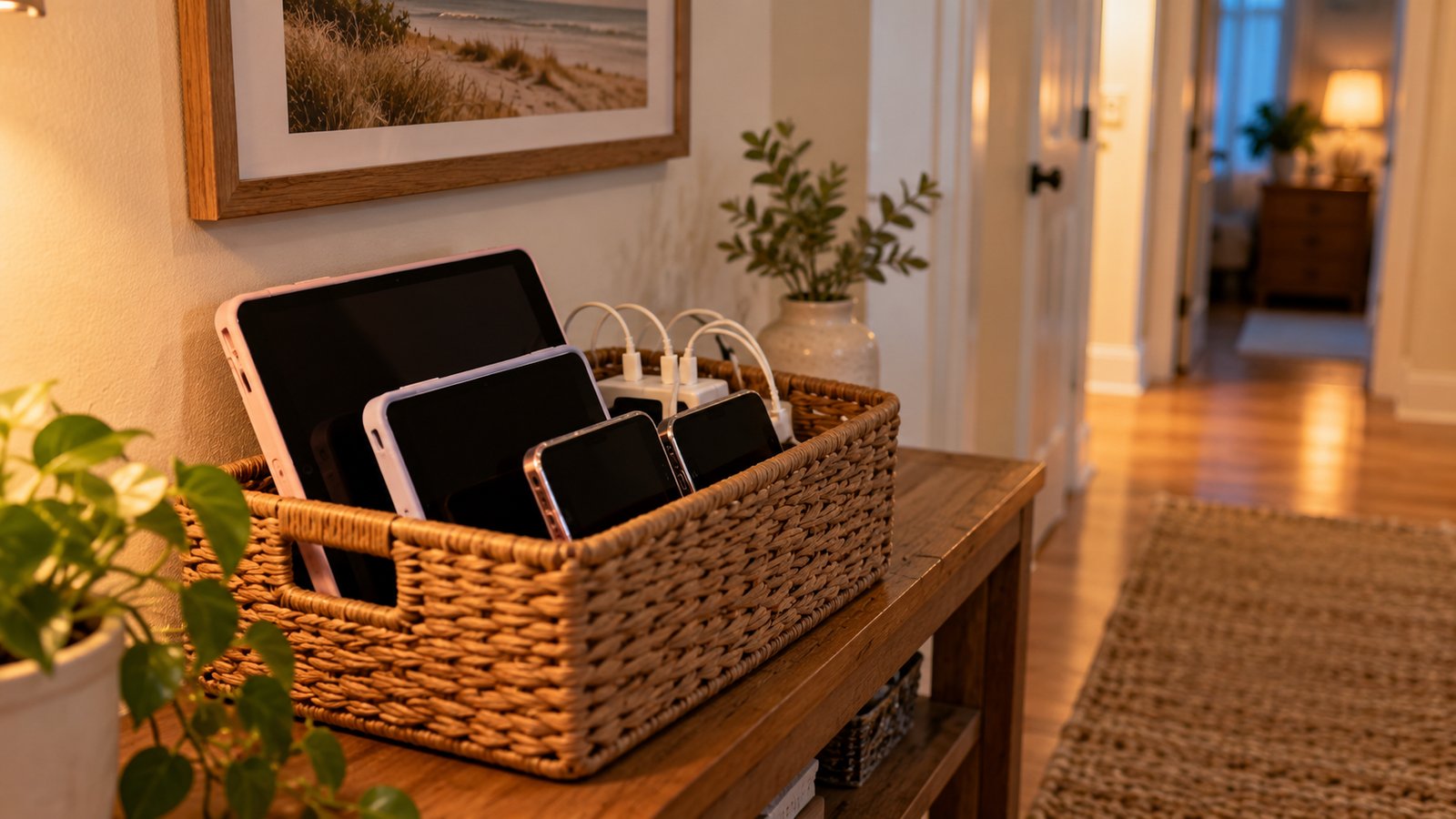
Sleep is where screen habits show their effects most clearly. The AAP recommends keeping screens out of children’s bedrooms and turning them off 30 minutes to an hour before bed. Bright light and stimulating content can delay sleep, and notifications can wake kids overnight. Charging phones and tablets in the kitchen or hallway removes the temptation.
Since sleep and screens are linked, it helps to know how much sleep your child needs. We cover it in our guide on how much sleep kids need at each age, which pairs well with the screen rules above.
Screen Time Is Not All the Same: Video Calls, School and Creative Use
Not every minute on a device is equal. Homework done on a laptop is not entertainment. A video call with a grandparent is social. Programming a simple game, editing photos or composing music can be creative work. The AAP’s Family Media Use Plan encourages families to separate entertainment screen time from school-related and creative use, and to apply stricter limits to the first category.
Some children also use devices for support, such as communication apps for kids with speech delays or tools for learning differences. Those uses are different from casual viewing, and a pediatrician or therapist can help you decide what is appropriate.
If you feel guilty after a day when screens ran longer than planned, you are in good company. One heavy-screen day will not define your child’s development. Patterns over weeks and months are what count, so aim to get back to your plan the next day without a lecture.
Plan for travel, sick days and school breaks
Rules bend in some situations, and it helps to decide how in advance. A long car ride, a flight or a child home with a fever are times when many families relax the limits. That is reasonable, as long as everyone understands it is temporary. Say it out loud: “On the plane you can watch your shows, and when we land we go back to our usual plan.” Children handle exceptions well when they know the exception has an end.
School breaks deserve a plan too, because open days with no structure are when screen time tends to creep upward. Sketching a loose daily outline, with outdoor time in the morning and a screen window in the afternoon, keeps the day balanced. Our traveling with kids tips and road trip printables give you screen-free options for the car.
Finally, remember that the guidelines are a target and not a test. The AAP itself acknowledges that families are juggling work, school and care, and that perfection is not the goal. What counts is being intentional, staying involved in what your child does online, and making sure screens do not push out the things children need most.

Signs It May Be Time to Reset
Watch for signs that screens are taking too much room in your child’s life. These include trouble stopping, outbursts when devices are taken away, pulling away from friends or activities they used to enjoy, declining grades, and shorter or later sleep. A reset might mean a week with no devices at certain times, going back to the written plan, or moving the television out of a bedroom. If problems continue or you are worried about your child’s mood, your pediatrician can help you decide on next steps.

Frequently Asked Questions
Does educational screen time count toward the limit?
The AAP guidance for ages 2 to 5 is about one hour a day of high-quality programming in total. Educational content is the better choice within that hour, and watching it together makes it more useful, but it is still time spent on a screen.
Is video chatting with grandparents okay for babies?
Yes. The AAP makes an exception for video chatting for children under 18 months, because the baby is interacting with a real person who responds.
Should I use parental controls?
Parental controls can help block content, set time limits and stop purchases. They work best alongside conversation, since older kids often find ways around them. Choose settings that match your child’s age and review them regularly.
What is a good rule for screens at meals?
Many families make meals a no-device time for everyone. It is easy to remember, it protects conversation, and it applies to adults as well as kids.
How do I handle screen time at a friend's house or at grandparents'?
Share your family’s basic rules ahead of time and be flexible for special occasions. A different routine on a visit is normal, and kids can understand that rules vary by place when you explain them calmly.
Sources: American Academy of Pediatrics, HealthyChildren.org screen time guidance and Family Media Use Plan; World Health Organization, “Guidelines on physical activity, sedentary behaviour and sleep for children under 5 years of age” (2019). This article is general information and not medical advice.

Josie Grabois
Articles: 102One comment
Comments are closed.



[…] 30 minutes to an hour before bed, as the American Academy of Pediatrics advises. See our guide to screen time for kids by age for more on setting […]